

See how your business is doing
Review appointments, payments, services and team activity in clear reports. Use date ranges and available filters to focus on the part of the business you want to understand.
- Included with your subscription


What you get
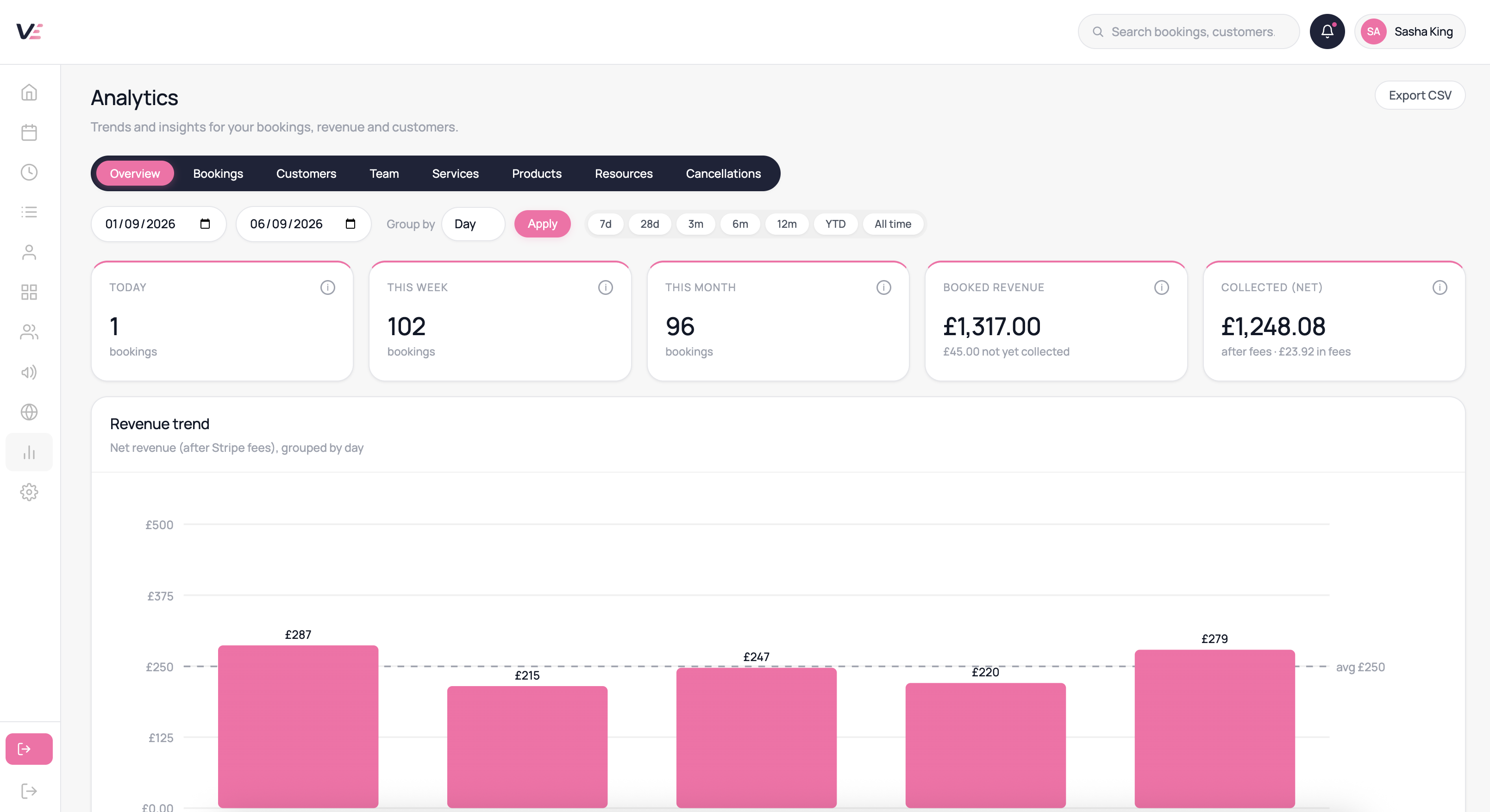
Review payment and revenue figures for the selected period.
See booked, completed, cancelled and missed appointments.
Compare booking activity and revenue by service.
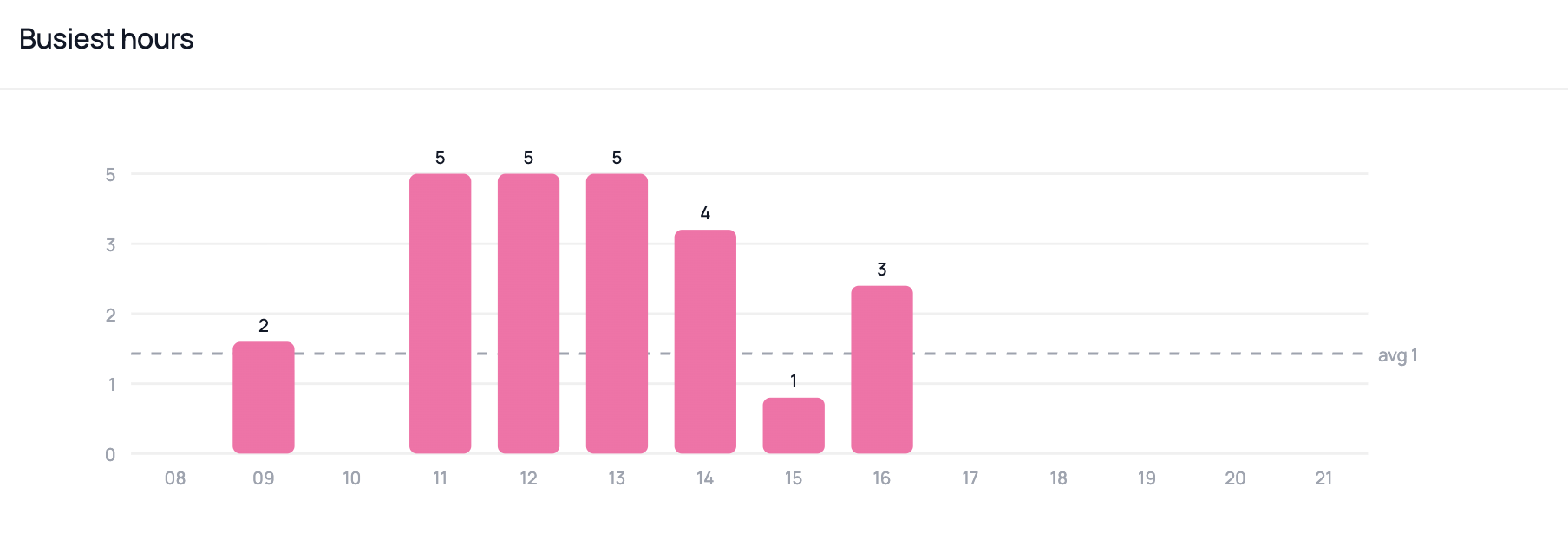
Review customer and appointment activity over time.
Use employee filters to understand staff activity.
Export available report or booking data for further analysis.
How it helps your working day
Connected business information
Bring appointment and payment information together.
Focus on a period
Choose the dates that answer your question.
Location reporting
With Multi-location enabled, review activity using available branch filters.
Common questions
Reports use the records available in your account for the selected period. Account status, deletion and retention policies can affect availability.
Report access depends on the permissions assigned to each team member.
Yes — the revenue panel shows the total amount not yet collected alongside your booked revenue for the selected period, so you can see at a glance how much is still outstanding.
Scheduled custom report emails are not currently available. Use the reports and export options in your dashboard.
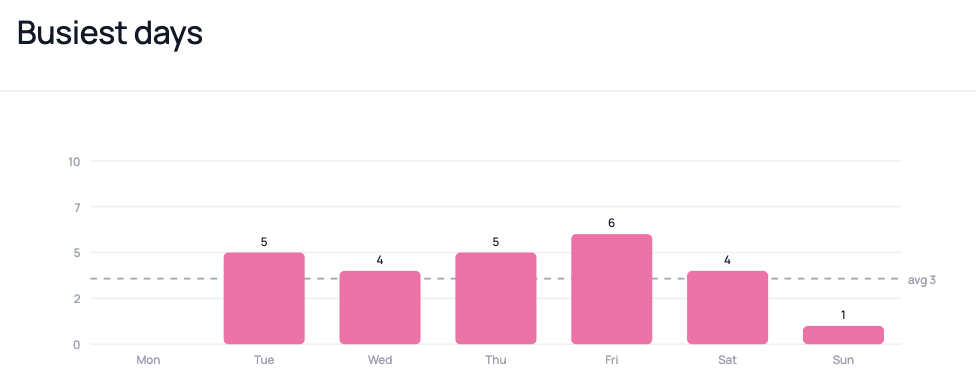
Yes — the utilisation report breaks down bookings by day of the week so you can spot quiet days and target them with campaigns or promotions.
Use the available date filters to review each period. A built-in side-by-side comparison is not currently available.
Explore this feature in Velixa
Start a 7-day free trial and see how the available tools fit your business. Payment fees and optional extras apply.
Start free trial