

Let clients book while you get on with your day
Offer online appointments through your booking link, hosted website or widget. Clients choose from your configured services, team members and available times.
- Included with your subscription
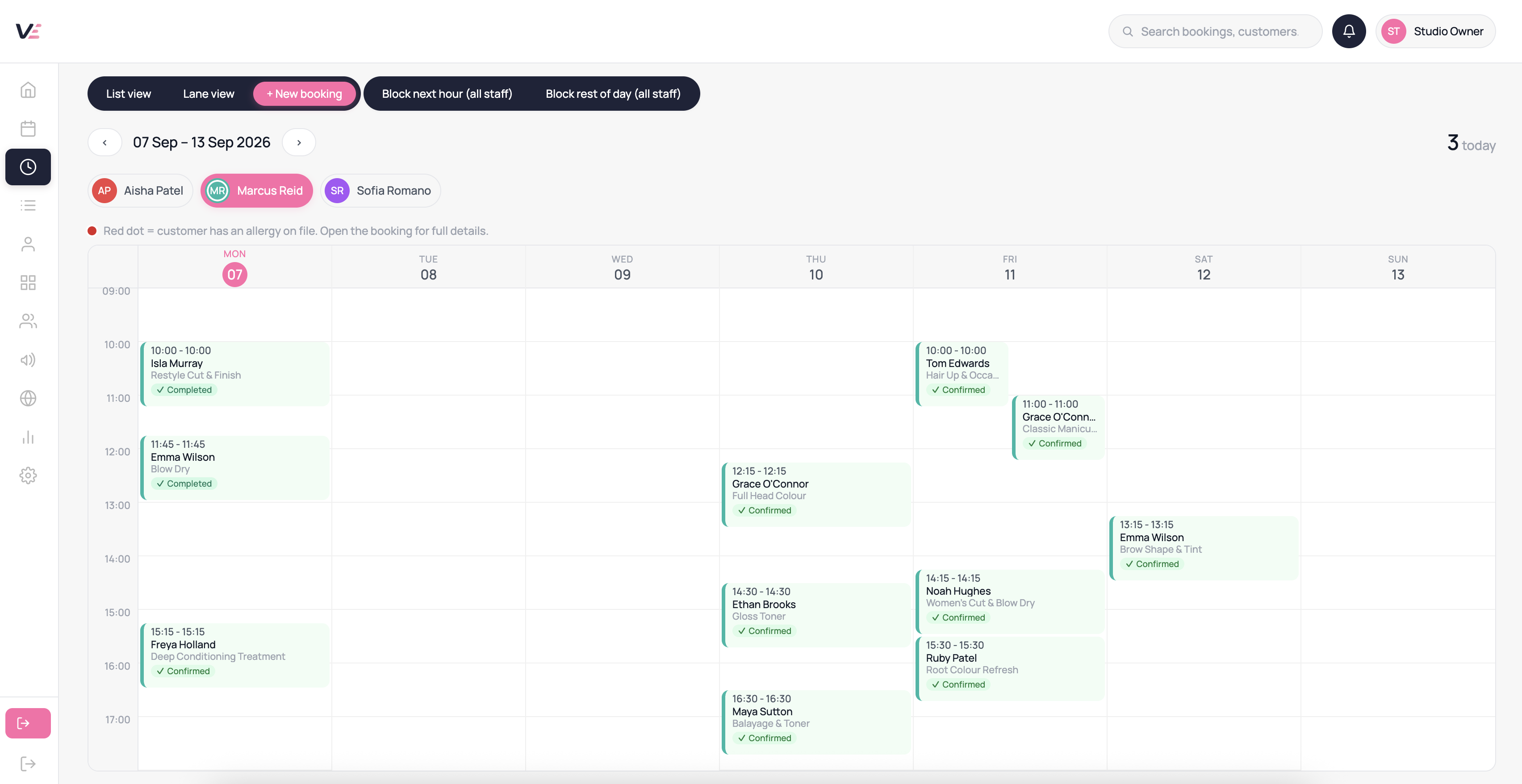



What you get
Add your link to your website, social profiles or client messages.
Use your schedules and booking rules to show available times.
Let clients select a service and an eligible team member.
Send confirmation when an appointment is booked.
Let clients manage eligible changes through their account.
Set working hours, time off and service buffers.
How it helps your working day
Available outside opening hours
Clients can check availability without waiting for you to answer a call.
Checks before confirmation
Availability checks help prevent conflicting bookings.
A mobile-friendly booking flow
Let clients book from their phone, tablet or computer.
Common questions
Yes. Clients sign in or create a customer account to book and manage appointments. Their bookings and eligible benefits stay connected to that account.
Unavailable times are not offered for booking. Where the waitlist is enabled, clients can register interest in a suitable opening.
Yes. Clients can return to your booking link to choose another appointment. Changes to existing bookings follow your booking policies.
Yes. Configure the minimum notice and advance-booking options available in your booking settings.
Yes. Set prices and durations for each service, with employee-specific options and preparation or cleanup time where needed.
Add a time-off block from the diary or your staff settings page. The blocked period is removed from the booking page immediately and no slots are offered during it.
Explore this feature in Velixa
Start a 7-day free trial and see how the available tools fit your business. Payment fees and optional extras apply.
Start free trial